
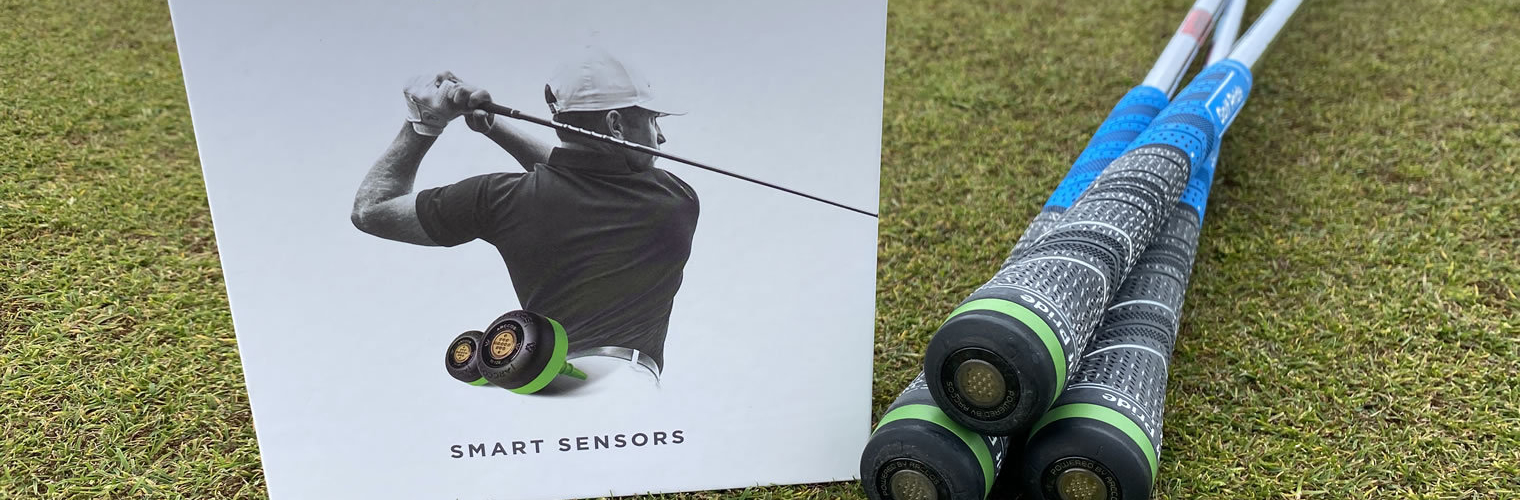
Arcoss Caddie Improves Your Scores
Arccos Caddy Smart Sensors track the performance of your round automatically and over time builds up a picture of your strengths and where you need to improve.
At SGGT we have partnered with Arccos so our users can track the performance gains from before and after a custom fitting for golf clubs with a free 45 day trial.
Once you have your sensors, to track and compare your new clubs, see the set up instructions below.
Share you stories of strokes gained with custom fitting using Arccos by email or on social with #SGGT - we would love to hear of your successes!

How To Set Up Your New Clubs Using Arccos
To be able to track your new clubs and compare them with your previous clubs, you just need to do the following steps:
- Open the Arccos app and click the Clubs icon in the bottom menu
- Ensure all your current clubs have the brand name and model in them. You can edit this by clicking on the club and then clicking Club Details.
- Then click on the spanner icon in the top right and select Manage Clubs
- Select the club you wish to change and click 'Unpair'.
- To pair the new club click Add New Clubs and pair it to the sensor from the old club.
- After you have successfully paired the sensor to the new club, enter the brand name and model as before to identify it.
- Repeat this process for all the new clubs.
If this is done correctly then when you go back to the main Clubs page, your clubs will be shown in bold at the top of the screen and your previous clubs and all their data will be shown below in the Unpaired Clubs section for you to compare.
Read the Arccos support article for this process
For more details check out the Arccos Support section on their site.